


Display Size >17"
Industrial Displays up to 19 Inches: The Universal Standard for Machinery and Control Cabinet Engineering
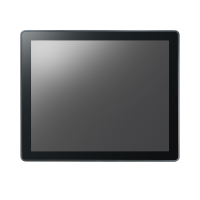
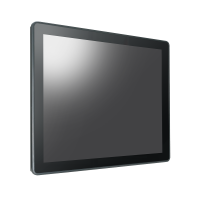
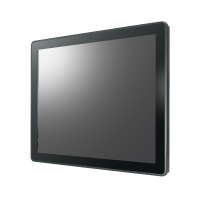
Display sizes between 15 and 19 inches represent the proven “sweet spot” in industrial automation. Industrial displays up to 19 inches – including the classic 15", 17", and 19" formats – provide the perfect balance between sufficient screen space for detailed user interfaces and standardized dimensions that fit into virtually any control cabinet door or operator console. They are the most widely used HMI display sizes in mechanical engineering worldwide.
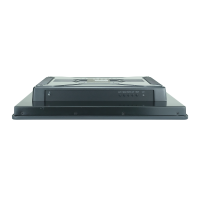
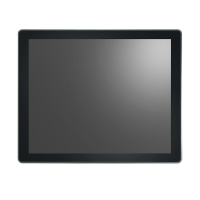
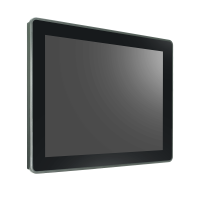
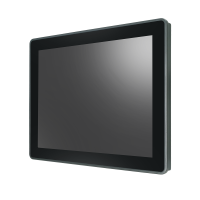
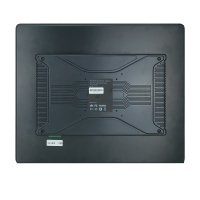
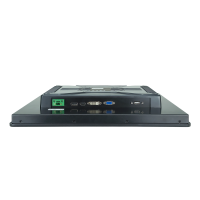
Key Advantages of Industrial Displays up to 19 Inches at a Glance
-
Classic Industrial Aspect Ratios: In this size category, alongside modern widescreen formats, traditional 4:3 and 5:4 aspect ratios (e.g., 17" and 19" with 1280x1024 resolution) remain highly popular. This is essential for displaying legacy control software and SCADA systems without distortion or scaling issues.
-
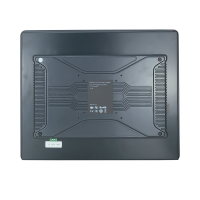
Standardized Mounting Dimensions for Easy Replacement: Since cutout dimensions for 15", 17", and 19" monitors have been standardized in industrial environments for years, these displays are ideal for retrofitting and quick one-to-one replacement in existing systems.
-
Optimal Ergonomics for Machine Operators: The display area provides sufficient space for complex control buttons, virtual keyboards, and status diagrams, enabling reliable and error-free operation directly at the machine, even under time pressure.
-
Wide Variety of Protection Ratings and Front Designs: Whether extremely robust aluminum fronts, chemical-resistant stainless steel for hygienic environments, or frameless full-flat glass fronts – the 15" to 19" class offers the broadest range of housing designs.
Typical Applications for the Industrial Standard Class
-
Classic Control Cabinet and Console Integration: Integrated as the central display and operating interface directly into control cabinet doors of manufacturing cells or process engineering systems.
-
Machine Tools & CNC Systems: Used as the visual interface for programming, monitoring, and controlling CNC milling machines, lathes, or robotic systems.
-
Quality Control & Test Benches: Detailed visualization of inspection reports, measurement curves, and camera inspection images for quality assurance applications.
Frequently Asked Questions About 17"+ Industrial Displays (FAQ)
Why are square formats (5:4 / 4:3) still important for displays up to 19 inches?
Many control and visualization programs in mechanical engineering were originally designed for square display formats. When this software is run on a modern 16:9 widescreen display, the image is either stretched unattractively or large black borders appear. Our 17" and 19" monitors in 5:4 format preserve the native display output of your software.
Which touch technology is recommended for demanding workshop environments?
If operators mainly work with heavy or dirty industrial gloves on the production floor, pressure-sensitive resistive touchscreens are often the most economical and reliable choice. However, for modern multi-touch gestures (swiping, zooming) and maximum scratch resistance through a seamless glass surface, projected capacitive touchscreens (PCAP) are the more advanced solution.
Which video interfaces can I select in the configurator?
To support both modern industrial PCs and older legacy systems, our configurator offers a wide range of interfaces: from classic analog VGA connections and DVI to modern digital standards such as HDMI and DisplayPort.